 COMPOSA VJ
COMPOSA VJ
COMPOSA VJ
Play Visuals Live
Download on the Mac App Store macOS 14.0+ / Free with Pro upgrade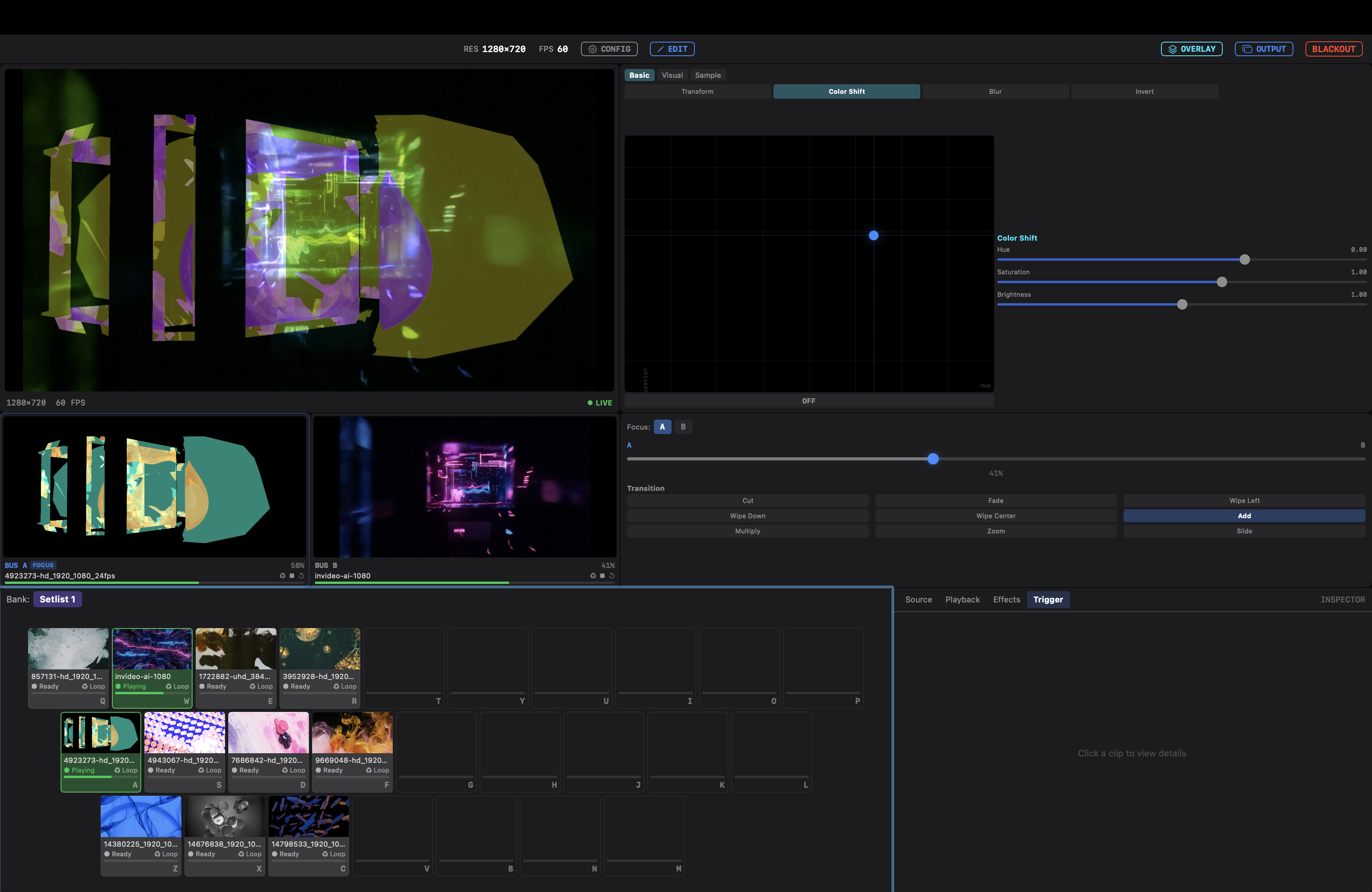
A visual engine designed for live performance
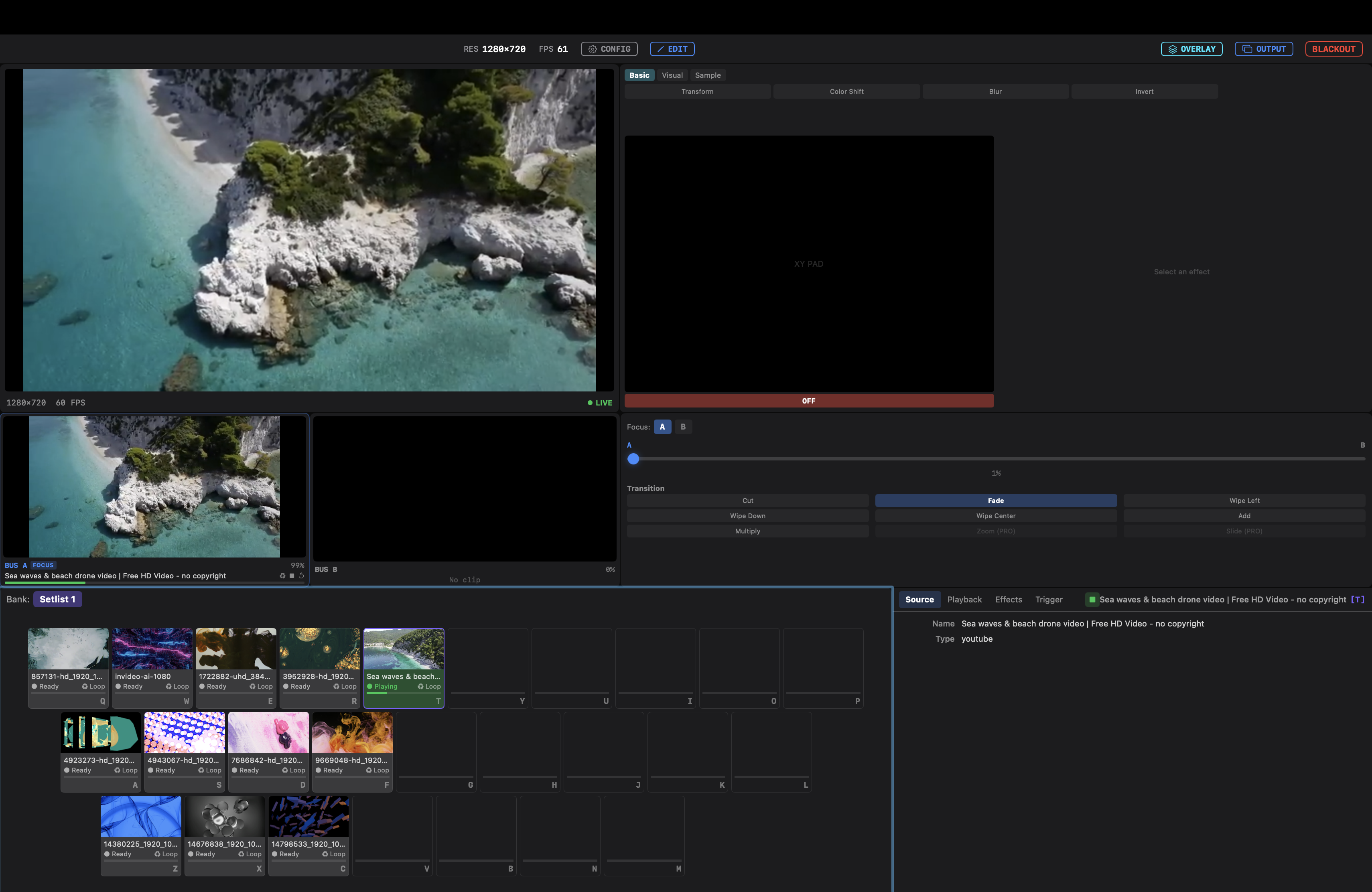
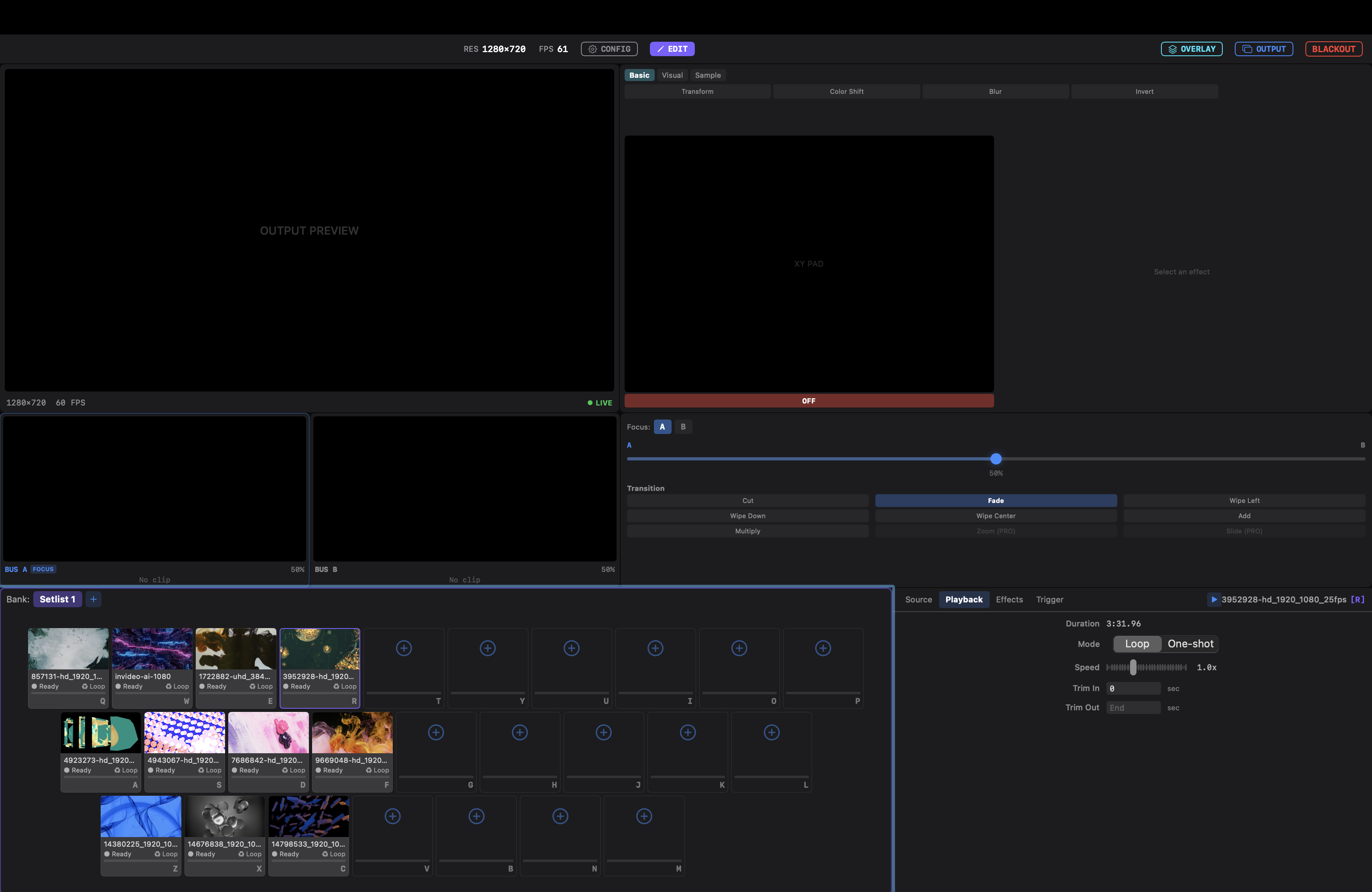
Trigger video clips instantly from a keyboard-mapped grid. Optimized for live visual performance.
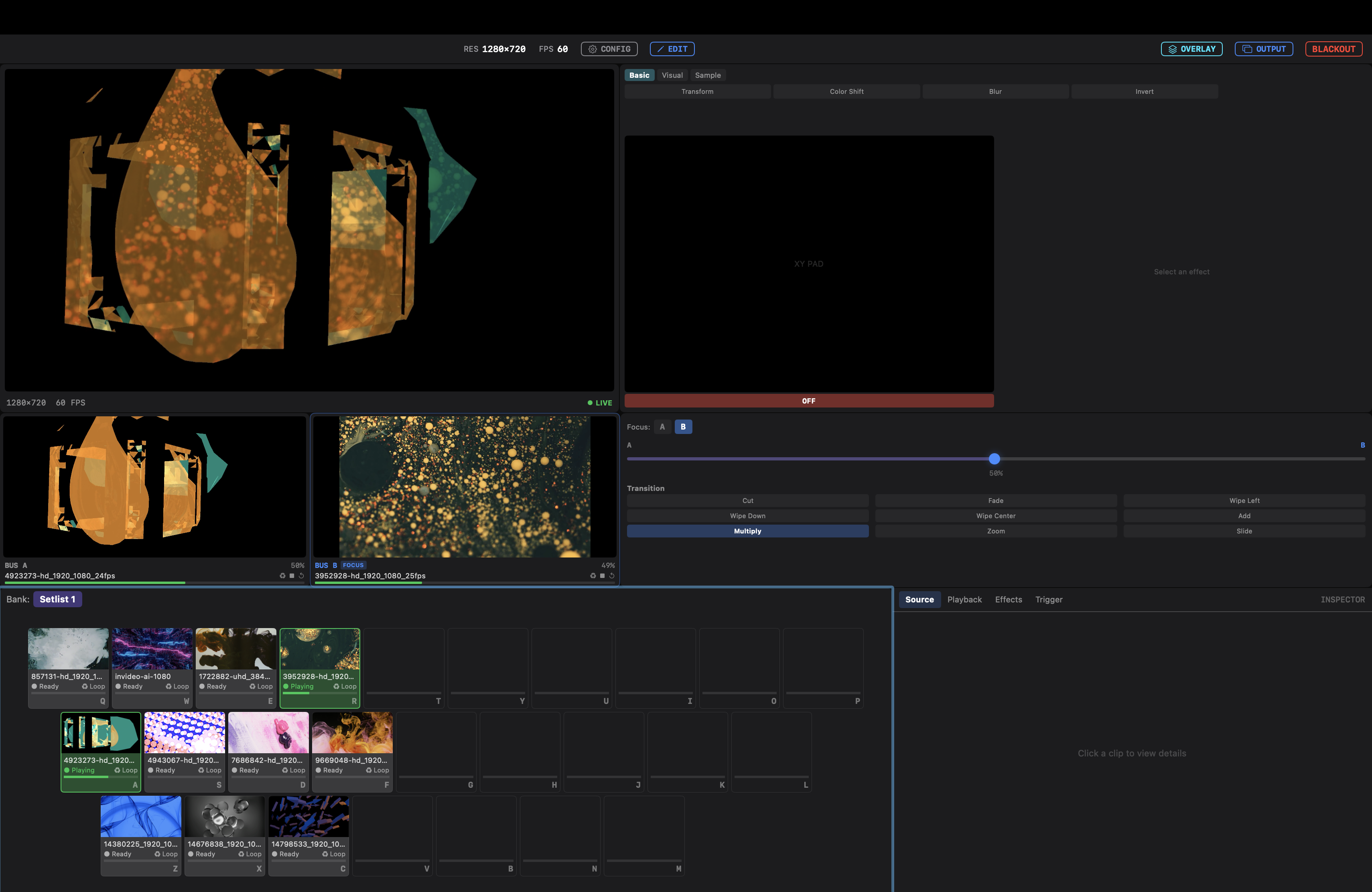
DJ-style mixing for visuals. Switch between sources intuitively with 7+ built-in transitions.
Metal-powered real-time effects at Clip, Bus, and Master levels. XY Pad for intuitive control.
Build custom Source, Effect, and Transition plugins with ComposaSDK. Extend with Metal shaders.
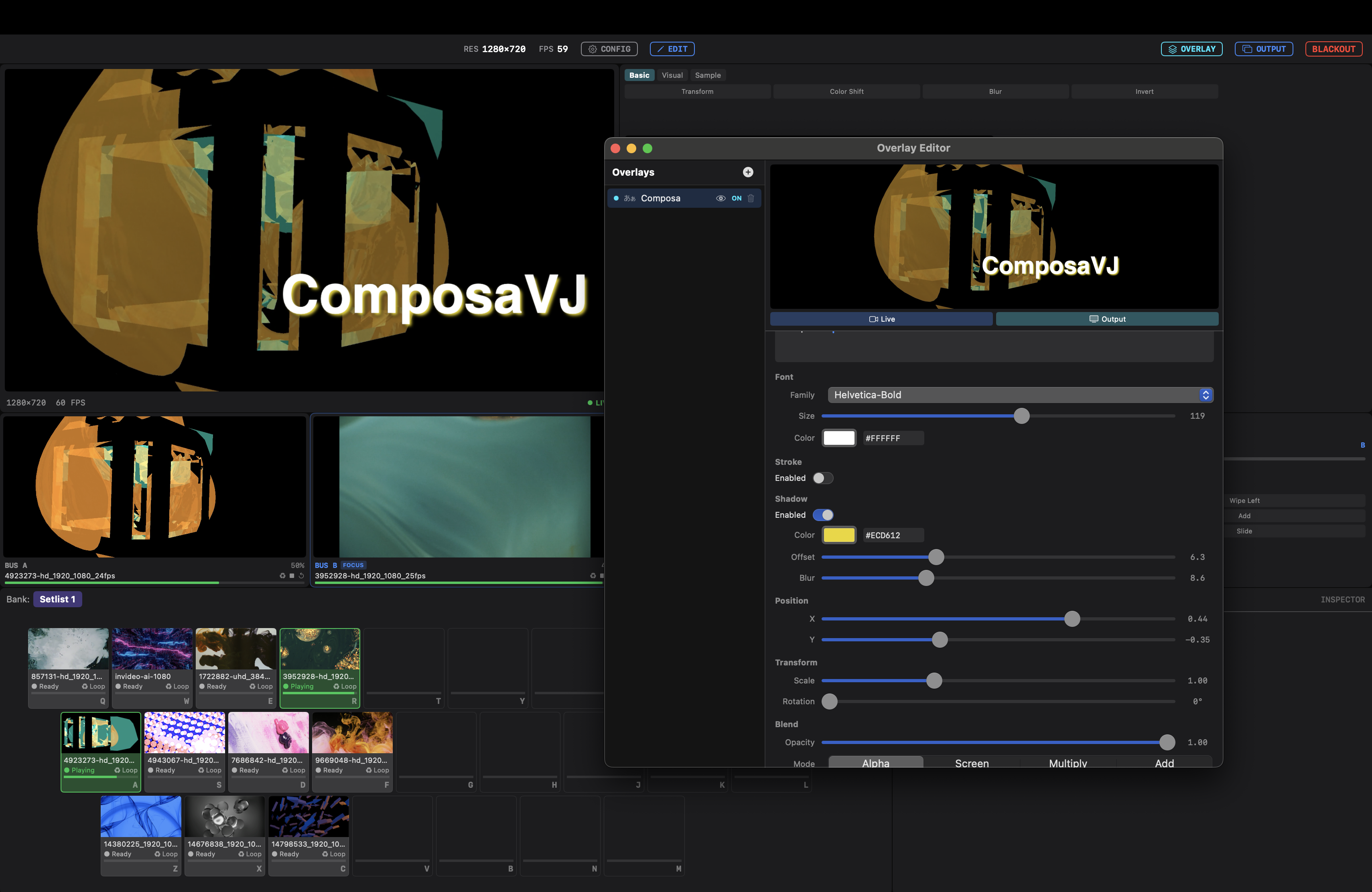
Composite text and images in real-time. Blend modes, transform controls, and live preview.
Output to separate windows or fullscreen on external displays. Perfect for projector setups.
Performance scenes in action
One-time purchase. No subscription.
Build custom plugins with ComposaSDK.framework.
Support for Effect, Transition, and Source plugins.
Planned for future updates
MIDI Learn to bind physical controller knobs and faders to parameters. CC mapping support.
Live streaming output to YouTube Live / Twitch.
Beat detection and quantize. Trigger visuals in sync with music.